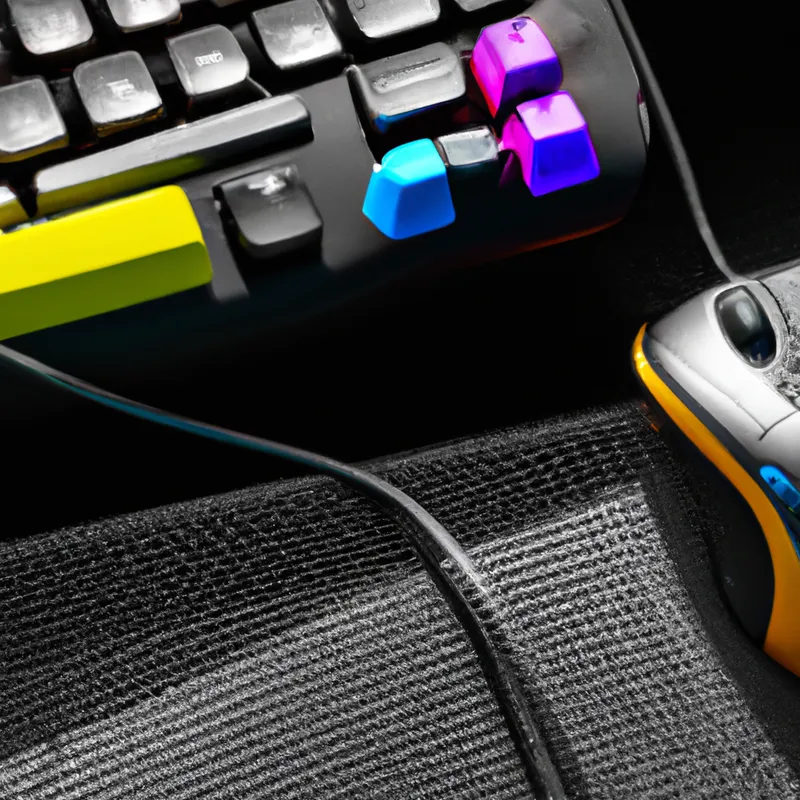
Boost Your Comfort with Ergonomic Gear
The Benefits of Using an Ergonomic Mouse and Keyboard for Sim Racing
Sim racing immerses you in high-speed motorsport. Long hours in front of your computer can cause discomfort and injury. Ergonomic mice and keyboards enhance your racing performance and improve your comfort. This blog post explores the benefits of ergonomic equipment and offers tips for choosing the right tools.
Why Ergonomics Matter in Sim Racing
Sim racing requires precision, focus, and quick reflexes. Long racing sessions can fatigue your hands, wrists, and arms. Discomfort detracts from your performance and enjoyment. Ergonomics studies how people interact with their environment. Ergonomic devices support your body’s natural posture and movement.
An ergonomic mouse and keyboard reduce the risk of repetitive strain injuries (RSIs). Gamers commonly develop RSIs from repetitive motions and awkward hand positions. Ergonomic equipment promotes healthy posture, minimizing these risks. This allows you to focus on your racing strategy instead of discomfort.
Ergonomic devices also enhance your control over the game. A comfortable grip improves your handling of inputs, leading to precise maneuvers. Investing in ergonomic equipment boosts both comfort and performance.
Features of an Ergonomic Mouse and Keyboard
When choosing an ergonomic mouse and keyboard, consider their features.
Ergonomic Mouse
– **Shape**: Select a mouse that fits comfortably in your hand. A well-designed ergonomic shape supports your hand’s natural curve.
– **Grip Style**: Choose a mouse that matches your grip style—palm, claw, or fingertip. This enhances comfort and control.
– **Adjustable Sensitivity**: Look for a mouse with adjustable DPI settings. This customization is crucial for precision in sim racing.
– **Button Customization**: Many ergonomic mice offer programmable buttons. This feature allows you to set shortcuts for quick access.
Ergonomic Keyboard
– **Wrist Rest**: Use a padded or removable wrist rest to reduce discomfort. It supports your wrists and prevents awkward bending.
– **Split Keyboard Layout**: Consider keyboards with a split design for a natural hand position. This layout reduces wrist and forearm strain.
– **Mechanical Keys**: Mechanical keyboards provide tactile feedback.
Conclusion
Investing in ergonomic mice and keyboards improves comfort and performance in sim racing. Choose equipment that supports your natural posture and enhances your gameplay experience.
Below are related products based on this post:
FAQ
What are the main benefits of using ergonomic mice and keyboards for sim racing?
Ergonomic mice and keyboards help reduce the risk of repetitive strain injuries, enhance comfort during long gaming sessions, and improve control over game inputs. By supporting your body’s natural posture, they allow you to focus on your racing strategy without discomfort.
How do I choose the right ergonomic mouse for sim racing?
When selecting an ergonomic mouse, consider the shape that fits comfortably in your hand, your grip style (palm, claw, or fingertip), the adjustable sensitivity for precision, and the option for button customization for quick access to shortcuts.
What features should I look for in an ergonomic keyboard?
Look for a keyboard with a padded or removable wrist rest to support your wrists, a split keyboard layout to promote a natural hand position, and mechanical keys for tactile feedback. These features will help reduce strain and enhance your overall gaming experience.














Post Comment